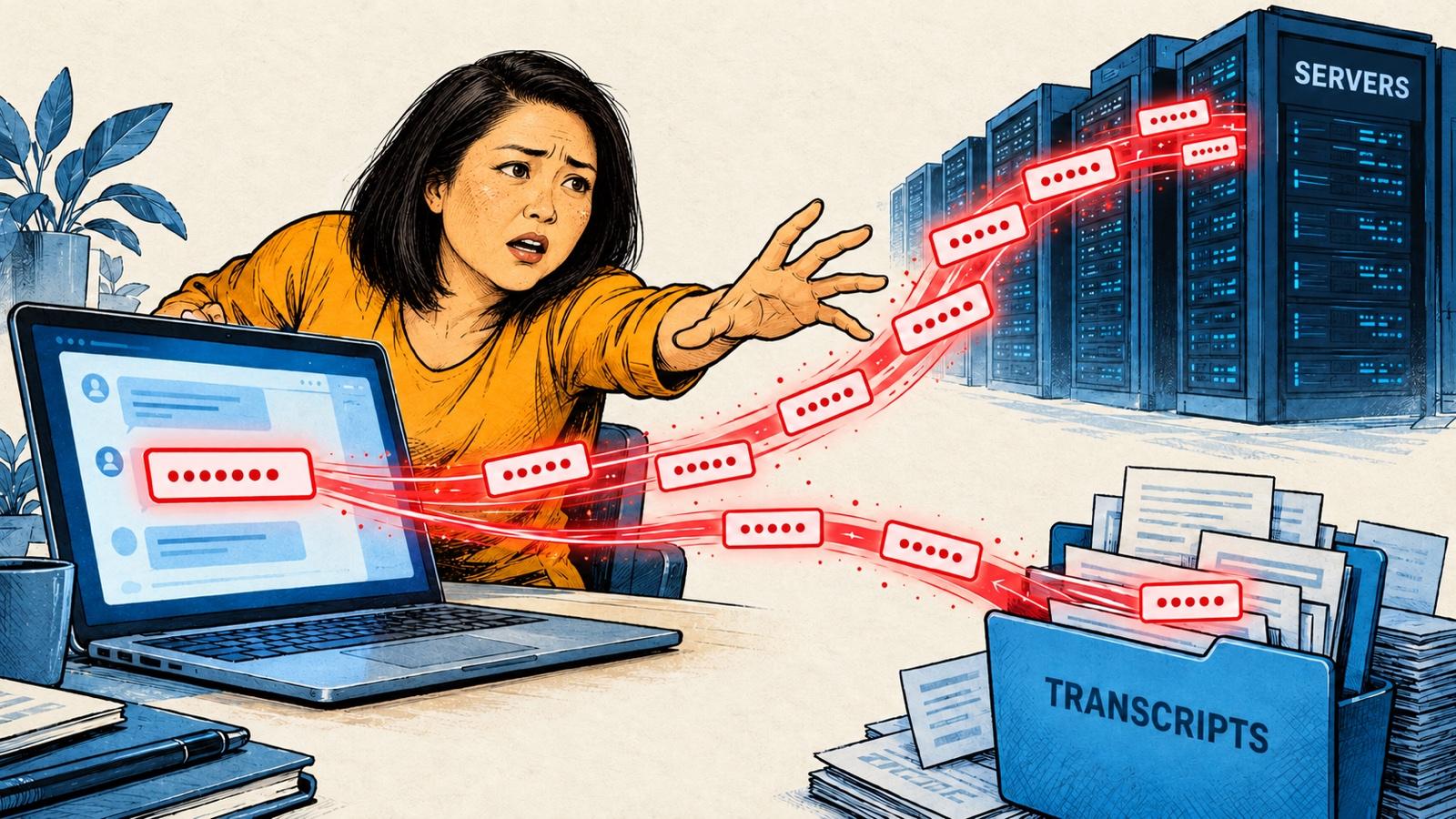
Claude Code put my WordPress app password in our chat.
It was fixing an upload error on one of my sites. Somewhere in the middle of troubleshooting, it printed the password right in its reply, in plain text.
I hadn't shared it with anyone. I'd never paste a password into a stranger's inbox. It leaked anyway.
Quick refresherNew to app passwords? Start with What Is an App Password?: an app password is a second password to your account. It works as you. Anyone who has it can do anything you can.
Why a chat counts as a leak
It's tempting to think a password in your own AI chat doesn't count as a leak. It was my chat, on my computer, with my assistant.
It still counts.
Once a password shows up in an AI chat, copies of it are saved in places I don't control:
- In the chat history on Anthropic's servers. On consumer plans (including Pro, Max, and Claude Code), chats are kept for 30 days if the model-training setting is off, and up to 5 years, de-identified, if it's on. Chats flagged for a policy review can be kept up to 2 years.
- In transcript files on my own computerFor the curious: they're in a hidden folder,
~/.claude/projects/.. Claude Code saves a plain-text record of each session for 30 days by default. Anything that can read my files can read those.For the curious: they're in a hidden folder,~/.claude/projects/.
None of that is a scandal. It's how chat tools work. But it means the password now lives in places I can't clean up.
A copy that's sitting quietly somewhere is still a copy. A ticking time bomb.Maybe nobody ever finds it. I don't love "maybe" when it comes to an admin password.
The other ways it gets out
The AI chat is the one that caught me. It's not the only one:
- A screenshot. AI tools read text inside images. A screenshot of a settings screen, pasted into a chat to ask for help, leaks the password just as well as typing it.
- A shared document, like a Google Doc of setup notes that I share with a colleague or a freelancer.
- A file on GitHub: a settings file that gets saved along with the code and pushed online.
In every one, I'm trying to get help or keep notes. Nobody's stealing anything. The password just ends up somewhere it can be copied.
What someone with a copy can do
On my sites, I'm an administrator. So is my app password.
Through WordPress's back-end connection (the REST API), an administrator's app password can:
- publish, edit, and delete posts
- add new administrator accounts
- install plugins
- make more app passwords, and delete mine
- change my real password
That last one logs me out of my own dashboard. The app password keeps working.
The WordPress surprise
This is the part I didn't know, and the reason this post exists.
Changing your WordPress password does not cancel your app passwords.
Google works the other way. Change your Google password and every Google app password stops working. WordPress keeps them all. A leaked app password keeps working until you revoke it.
So if I'd done the obvious thing, changed my password and moved on, the leaked copy would still be live.
What to do if one leaks
Change your app password now. Not after this meeting.The urge to finish what you were doing first is strong. Resist it.
- Revoke every app password. Go to Users → Profile → Application Passwords. There's a "Revoke all application passwords" button at the bottom. Use it, not just the one you think leaked.
- Make a new one for each tool that needs it, and put it back in the tool's settings file.
- Check the Users list for any account you didn't create, especially administrators.
- Check Application Passwords again, on every admin account, for any you didn't make.
If something already went wrong, backups are the last resort. My server keeps daily backups, so I can roll a site back to before the damage. If you're not sure whether your host backs up your site, find out before you need it.
The rule I gave Claude Code
I replaced the password. Then I gave my Claude Code AI agent a standing rule, written in the instructions file it reads at the start of every session:
Never print a credential value. Treat .env as load-only.
In everyday words: Claude Code never shows a password or key in the chat, and it never opens the .env file. That's a small hidden file on my computer where my passwords and keys are stored. The code reads the password from that file when it runs. Claude Code only ever works with the password's name, like ALIEM_WP_APP_PASSWORD, never the password itself.
The same rule covers API keys, and anything with patient information in it.
This happened with an older Claude model. Although newer ones may not make the same mistake, I kept the rule anyway. It's one line, and it means I'm not counting on any model to get it right every time.
Claude Code still uses my app passwords. It just doesn't get to show them anymore.